
Software to run your rental business
Build your rental website, receive direct bookings and manage availability, customer data, contracts and invoicing from a single platform.
- No-code rental website
- Bookings and availability connected
- Operations, contracts and invoicing in one place
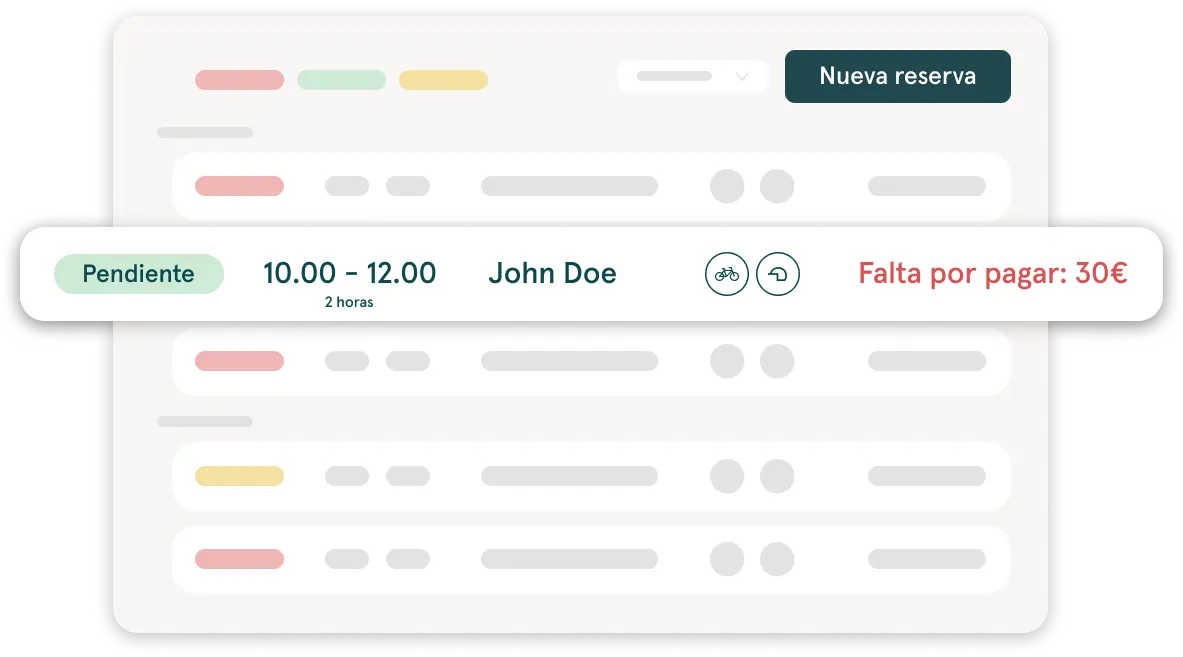
From the first booking to the handover, all connected
Pulso connects the essential parts of a rental operation so your team doesn't have to chase information across tools, spreadsheets and loose documents.
- 1
Your rental website
Showcase your catalog and give customers a clear way to book.
- 2
Bookings and availability
Organize every booking and check the availability of your products, vehicles, extras or packs.
- 3
Details before the handover
Send a Fast Track link so the customer can fill in the necessary details before arriving.
- 4
Contract and invoice
Prepare documents and invoicing from the information gathered in the booking.
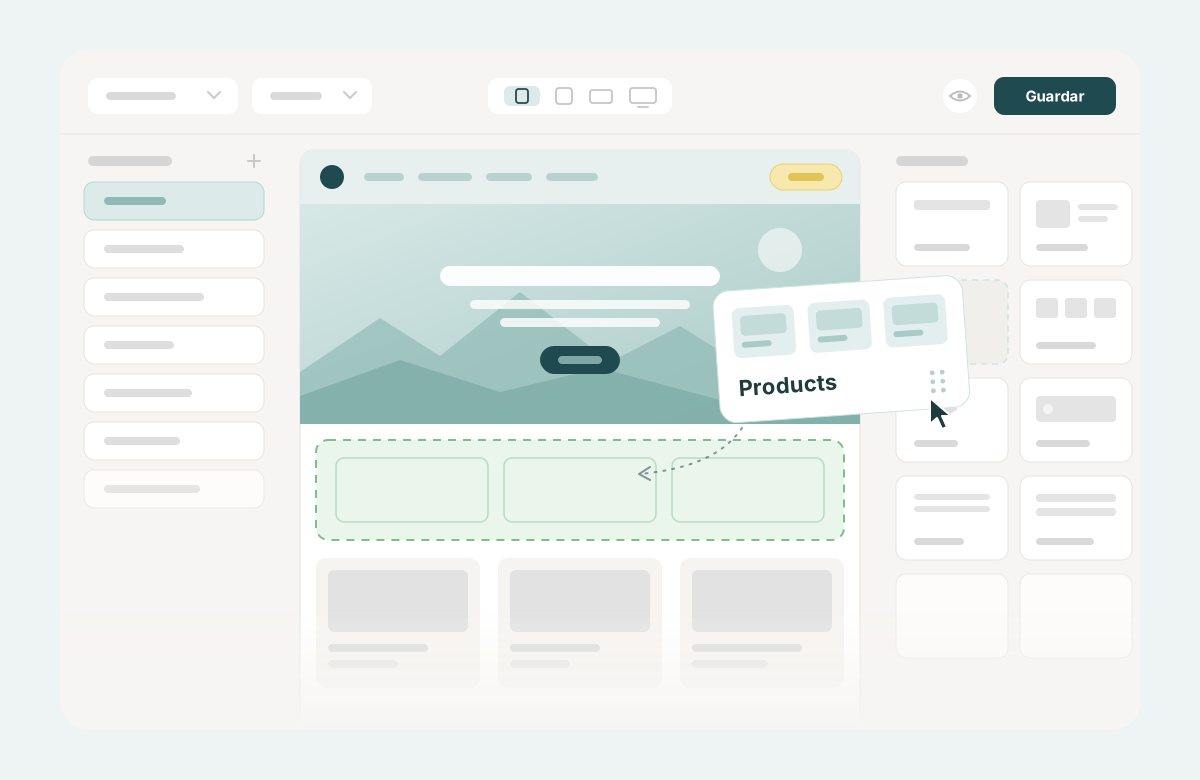
A rental website ready to receive bookings
With Pulso your business has its own rental website, hosted on the platform. You build and update it yourself, without relying on developers for every everyday change: a text, a photo or a new product in the catalog.
The website is designed for what a rental business does: show what it offers and give the customer a clear way to book.
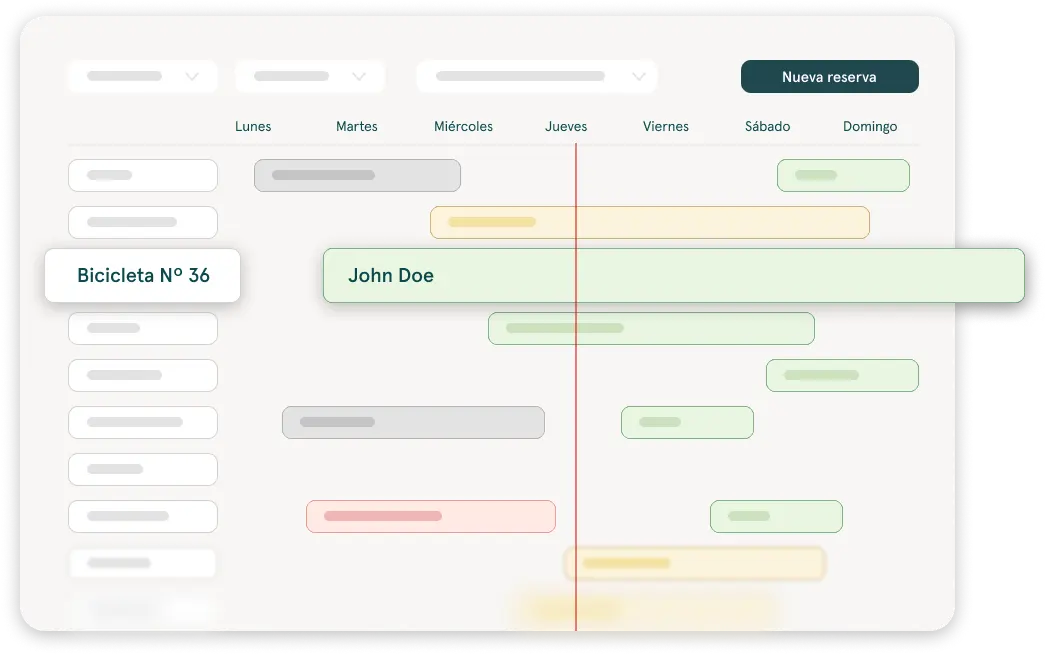
Manage bookings and availability from a single dashboard
Pulso brings together in each booking its dates, the customer's details, the rented products or vehicles and the information needed to manage the rental.
Your team works from a single dashboard, whether the booking came in through the website or someone created it at the counter, with availability coming from your inventory or fleet.
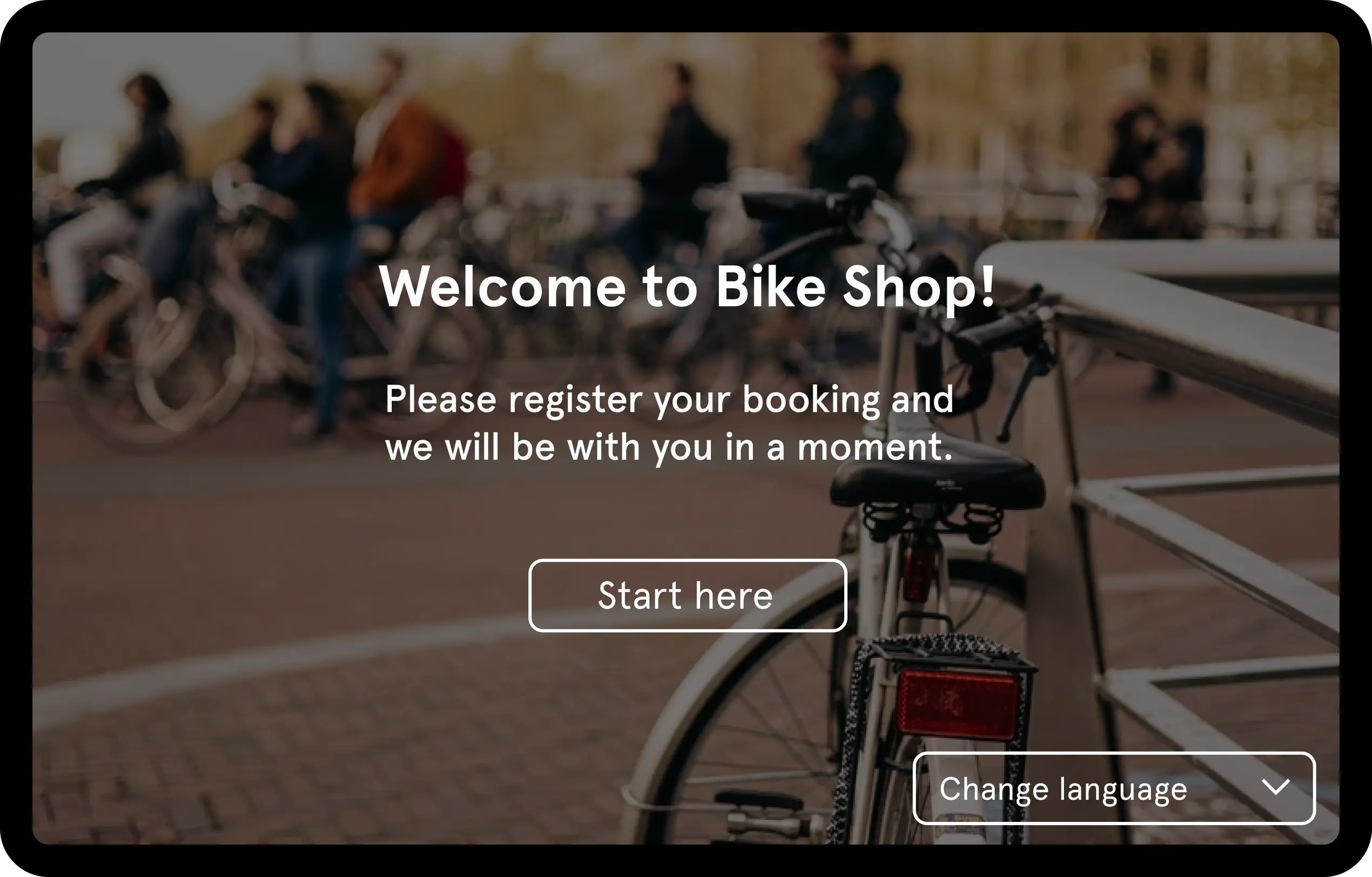
Get to the handover with the details ready
With Fast Track you can send the customer a personalized link before pick-up, or use a tablet at reception, so they can fill in the details you need.
What the customer sends is available in their booking, and your team can use it to prepare the digital contracts or the invoices.
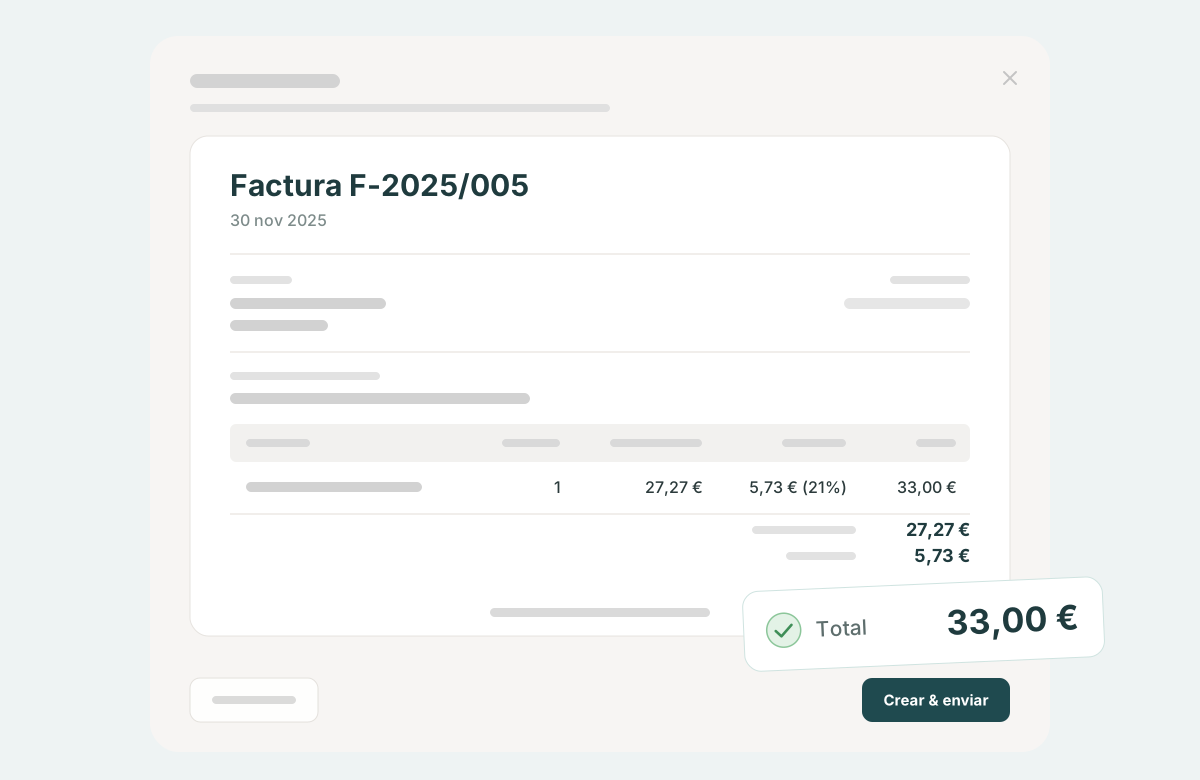
Invoicing connected to each rental
Pulso helps you create invoices from the booking information, without copying the data into another program.
You can also export all invoices at the end of the month and send them to your accountant.
Explore Pulso by area
Rental website builder
Build and update your own website without relying on developers for every change.
Online booking engine
Receive bookings from your own website and connect them to your operations.
Bookings and availability
Organize daily bookings from a calendar connected to your inventory.
Inventory or fleet
Manage products, vehicles, extras, packs and availability.
Digital contracts and signature
Generate, share and store documents linked to each booking.
Invoicing
Manage rental invoices from the booking flow.
Online pre-registration
Collect details before the handover with Fast Track.
A platform that grows with your business
Start by building your website and receiving direct bookings. As your inventory, booking volume and team grow, bring availability, documents and invoicing management into the same operation.
Pulso adapts to businesses that rent vehicles, gear, equipment and products for activities.
Frequently asked questions
Does Pulso include a rental website?
Yes. Pulso includes a hosted, no-code website builder designed for rental businesses. You can build your website and update it yourself, and connect it to online bookings.
Can I receive bookings from my own website?
Yes. The online booking engine lets your customers book from your website, and those bookings arrive in the same dashboard where you manage the rest of your operations.
How is a booking connected to contracts and invoices?
The booking brings together the customer's details, what they're renting and the dates. Contracts and invoices are prepared from that information, without entering it again.
Is Pulso suitable for renting vehicles, equipment and products?
Yes. Pulso adapts to businesses that rent vehicles, gear, equipment and products for activities. Inventory, prices and the details you ask the customer for are set up according to what you rent.
Can I manage inventory and availability from Pulso?
Yes. You add your products or vehicles, extras and packs, and check their availability connected to your bookings.
What do I need to get started?
Knowing what you rent and how you charge for it. You can request a demo to see the flow with your own case, or create a free trial and start setting up your business in Pulso.
Keep exploring Pulso
Build a rental website
Showcase what you offer and update your website without relying on developers.
See pageReceive direct bookings
Connect your website to a booking engine built for rentals.
See pageSpeed up handovers with pre-registration
Collect the details you need before the customer arrives at your location.
See page