
Control your rental fleet and inventory
Organize your rental products and items, check their availability and avoid committing the same inventory to two bookings.
- Availability connected to bookings
- Products, units and extras
- Control for any type of rental
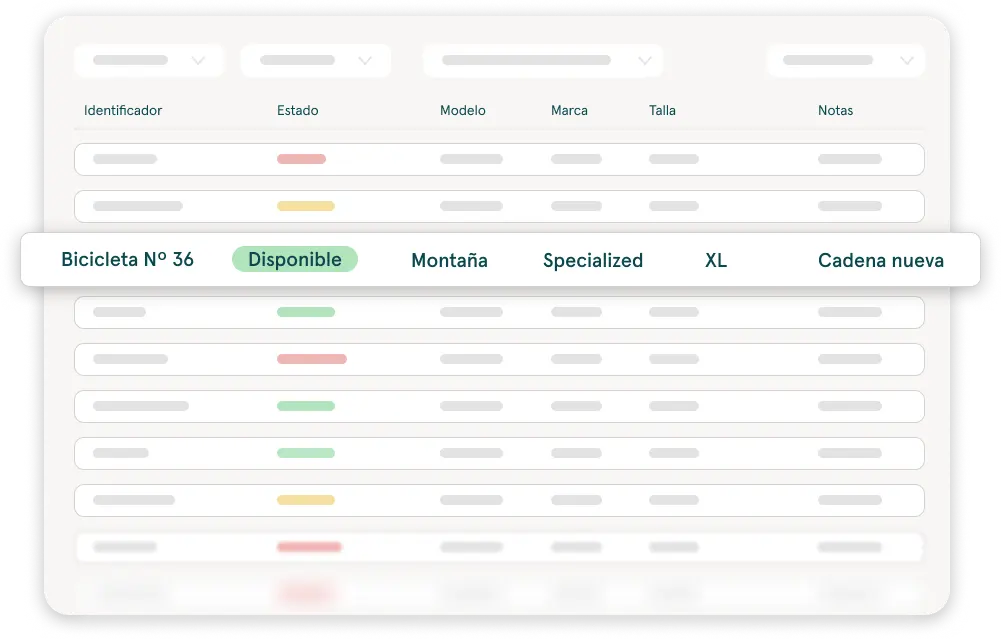
Your inventory doesn't end when you create a booking
Every booking depends on the right product being available on the right dates. Pulso connects your inventory with your bookings so you can see what you can rent, what is already committed and what needs attention before confirming a new booking.
- 1Products and items→
- 2Availability by date→
- 3Confirmed booking
Availability that keeps pace with your business
The everyday question is always the same: what can I rent for those dates? If the answer is spread across a spreadsheet, the calendar and the memory of whoever took the last call, sooner or later two customers end up with the same item.
In Pulso, availability comes from the bookings themselves. Whatever is committed for certain dates stops counting as available for them.
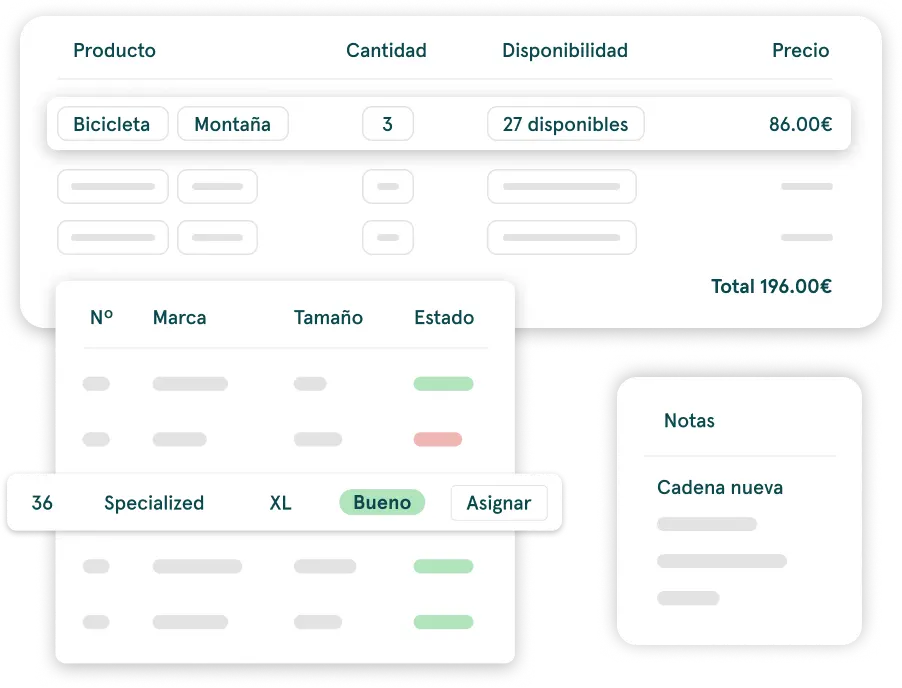
See what you can rent
Check the availability of products and items before creating or confirming a booking.
Avoid committing the same item twice
Keep your inventory connected to bookings to reduce conflicts and double bookings.
Know what goes with each rental
See which items are linked to each booking, without chasing information across spreadsheets and messages.
Set up what you rent, the way you rent it
Not every business rents the same kind of product or charges the same way. Set up items, extras and prices so your catalog reflects how your operation works.
Cars, motorbikes, scooters and bicycles
Each vehicle as its own item within its product.
Equipment, gear and machinery
Several units of the same product, rented by quantity.
Add-ons and extras for each rental
What goes along with the main product and is added to the booking.
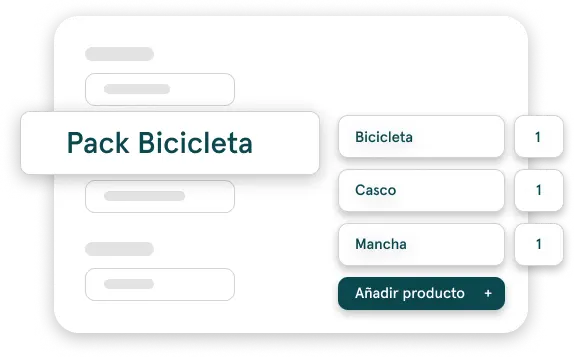
Prices, packs and extras connected to each booking
Define how each product is rented and add the extras that apply to each booking. That way, your inventory and what you sell to the customer stay connected in the same flow.
- Prices by day, hour or month, depending on how you rent each product.
- Packs that group several products into a single offer.
- Extras that are added to the booking.
- Seasonal rates for the periods when your prices change.
Inventory, bookings and customers in a single flow
Pulso connects the availability of what you rent with each customer's booking and documentation. Your team doesn't have to rebuild the rental information in separate tools.
From the inventory you get to booking and availability management, to the online bookings coming in from your website and to digital rental contracts. If you rent vehicles, it's all part of Pulso's vehicle rental software.
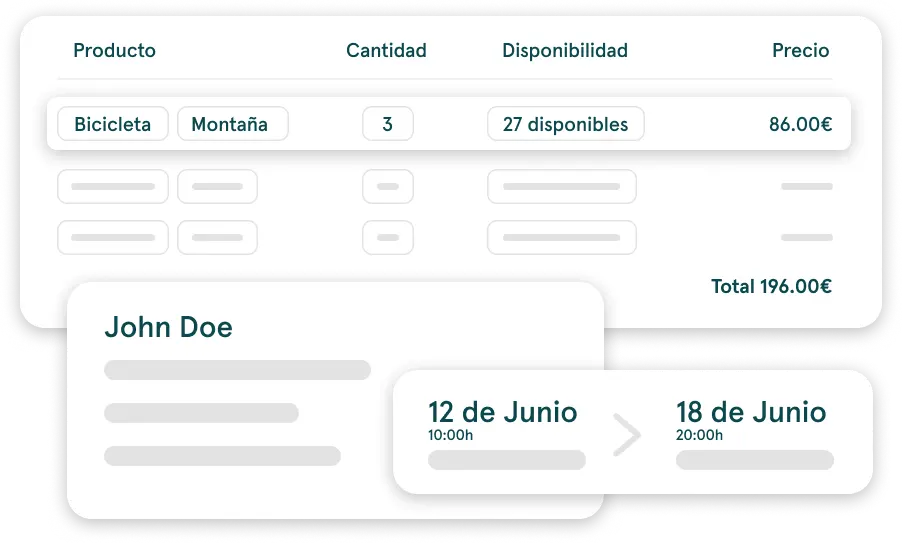
- 1Product available→
- 2Booking→
- 3Customer details→
- 4Contract→
- 5Payment
Made for rental businesses, not for a single type of fleet
Car, motorbike or scooter rental
Control which vehicles or products are committed to each booking.
Equipment and activity rental
Organize gear, packs and extras without treating everything as a vehicle.
Growing businesses
Replace the fragmented view of spreadsheets with an inventory connected to your bookings.
Frequently asked questions
Can I manage cars, motorbikes and other rental products?
Yes. In Pulso you add the products and items you rent, whether cars, motorbikes, scooters, bicycles, gear or machinery, and manage them in the same inventory.
How does Pulso help avoid double bookings?
Your inventory is connected to your bookings. When you create a booking you see the product's availability for those dates and which items are already committed, which reduces the risk of assigning the same item to two rentals.
Can I check availability before creating a booking?
Yes. You can check the availability of products and items for specific dates before creating or confirming the booking.
Can I see which items are linked to a booking?
Yes. Each booking shows the items assigned to it, so you can see what goes with each rental from the booking itself.
Can I set prices by the hour, day or month?
Yes. You can set each product's price by the hour, day or month, and add seasonal rates for the periods when your prices change.
Can I add packs and extras to my rentals?
Yes. You can create packs that group several products, and extras that are added to the booking along with the main product.
Is Pulso only for vehicle rental businesses?
No. Pulso is used by vehicle rental businesses and also for sports gear, machinery and other rentable items.