
Motorbike and scooter rental software
Build a website to rent out motorbikes and scooters, receive online bookings and manage availability, contracts and invoices from the same system.
- Rental website with integrated bookings
- Rates by the hour, day or month
- Contracts, customer details and invoices connected
From online booking to pick-up, all connected
Motorbike rental software has to hold up on a Saturday in August: bookings coming in through the website while you serve the counter, motorbikes coming back and going out the same day, and customers who want to get going as soon as possible. In Pulso, that whole journey runs through a single system.
- 1
Browse on your website
The customer browses motorbikes or scooters, dates and availability on your website.
- 2
Book or pay online
They choose the rate you've set up and make the booking or the payment online.
- 3
Managed from the dashboard
Your team manages the booking, availability, customer and paperwork from the dashboard.
- 4
Pick-up prepared
Before pick-up, the customer fills in the necessary details and signs the prepared documents.
A motorbike rental website ready to receive bookings
Anyone looking for a motorbike for the weekend or a scooter to get around the city wants to know two things: whether there's availability and how much it costs. If your website only offers a phone number or a form, that booking depends on someone answering in time.
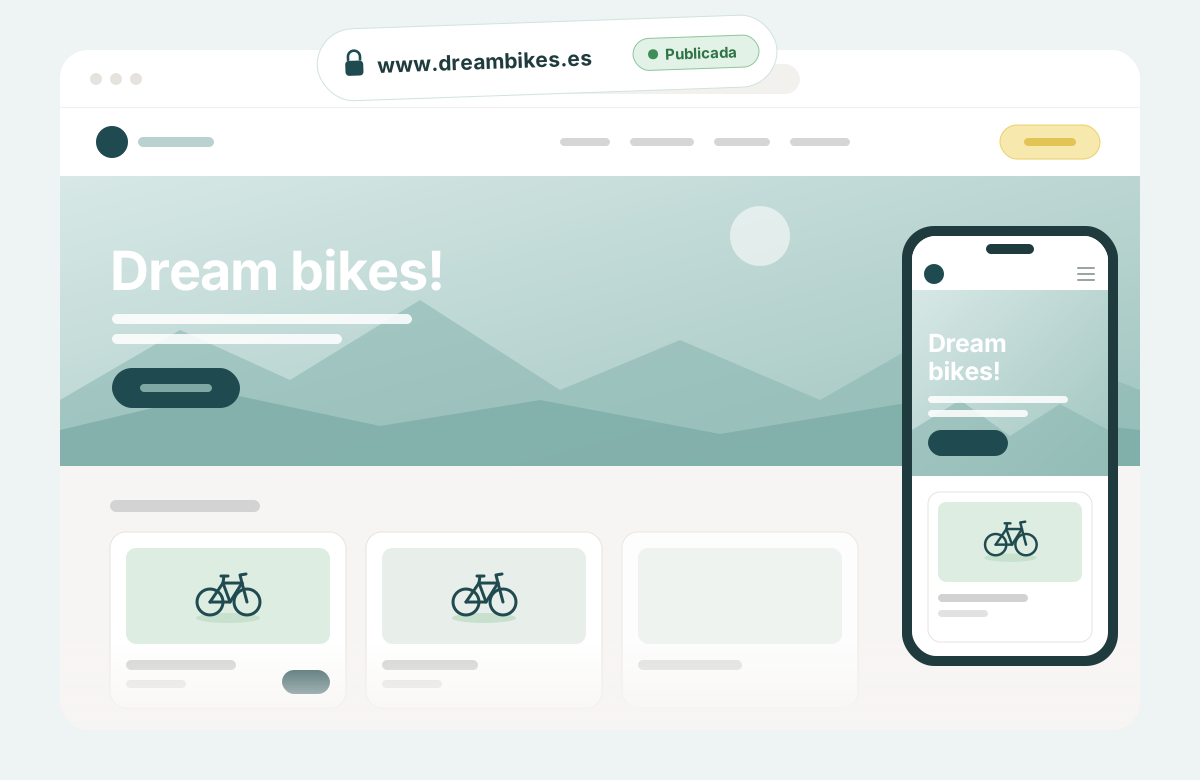
With Pulso, the website and online bookings for motorbike rental are the same product. You can get started in two ways.
Adapt a template
Choose a template, adapt it to your brand and publish your motorbike rental website without coding.
Custom website
If you need a more personalized presence, let's talk and we'll build you a custom website.

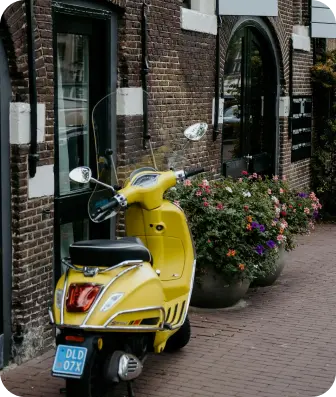

On your website, the customer can
- 1See your motorbikes and scooters.
- 2Choose dates.
- 3Check availability.
- 4Book by the hour, day or month.
- 5Add the packs or extras you offer.
- 6Book and pay without leaving your website.
Control bookings and availability without relying on spreadsheets
In high season, managing motorbike rentals gets complicated fast: a scooter that comes back at twelve and goes out at one, a week-long booking that blocks a specific motorbike, a customer who extends by a day.
In Pulso, each booking keeps its dates, the customer's details, the rented motorbike or scooter, the documents and the financial information connected. The motorbike booking calendar and the availability the customer sees on the website come from the same place.
- View and update bookings from a single dashboard.
- See which motorbikes or scooters are available for each period.
- Set rates by the hour, day or month, as well as seasonal prices.
- Organize packs and extras to suit your operation.
In detail
Bookings and calendarYou know which motorbike goes out, when it comes back and who has it.
Bookings that come in through the website and the ones your team creates at the counter are in the same dashboard. You can change a booking when the customer changes plans, and each one keeps its dates, its customer and its status. When the booking is completed, the customer receives an email confirmation.
See booking management →Motorbikes, scooters and availabilityYour website only offers what you can deliver.
You add your motorbikes and scooters and control which ones are available for each period. If a motorbike can't go out for a few days, you temporarily mark it as out of service.
See fleet and inventory →Rates, packs and extrasOne price for the morning, another for the week and another for August.
Set each motorbike's price by the hour, day or month, and apply seasonal prices when demand changes. Create packs and extras, such as an additional helmet, that the customer adds when booking. What you define in the dashboard is what is shown in the online booking.
Customers and booking detailsYou ask each customer for what you need, just once.
You decide which details are requested in each booking. The information is saved with the booking and your team checks it from the dashboard, without searching for it in emails, messages or paperwork.
Arrive at pick-up with details and documents ready
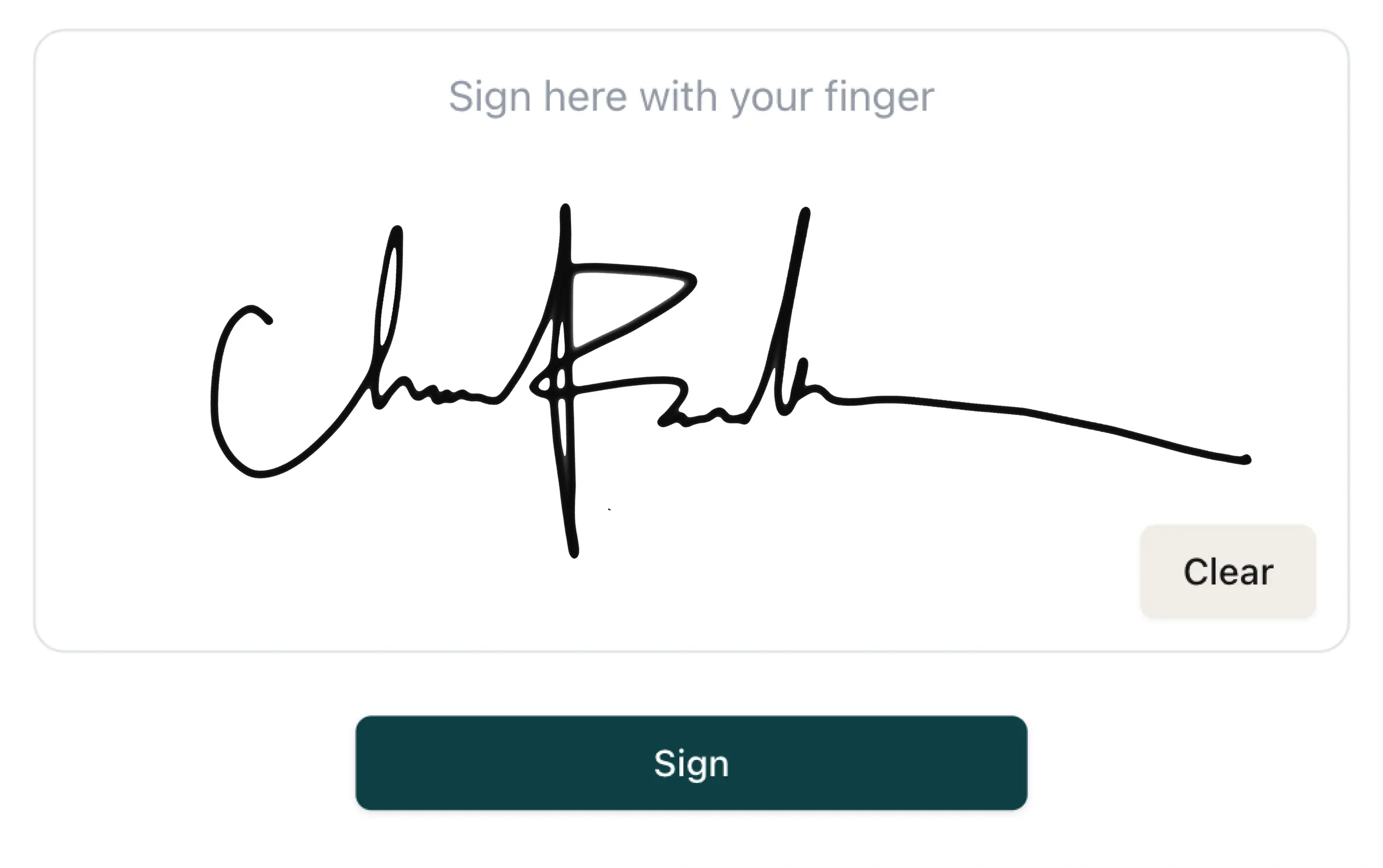
When the customer arrives to pick up the motorbike, your team shouldn't start from scratch. With Fast Track you can send a link before pick-up or use a tablet at reception to request the necessary details and documents.
It's a digital pre-registration: data collection happens before the motorbike is picked up. The result is a faster pick-up, especially when several customers arrive at the counter at the same time.
- Configurable customer details: you ask for what your operation needs.
- Details and documents linked to the booking.
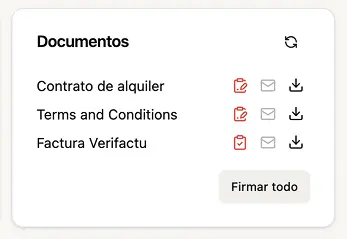
- Contracts generated with the booking information.
- Signature on a tablet or on the customer's phone.
- Documents saved together with the booking.
Your team still checks the paperwork and hands over the motorbike: Fast Track gets the paperwork done in advance. See contracts and digital signature → · See pre-registration before handover →
Payments and invoicing connected to each rental
The customer can pay online when booking, through Stripe or Redsys. You choose whether to charge the full amount or only part of it. The payment is recorded in the same booking your team manages, together with the dates, the customer and the documents.
Invoicing for rental businesses
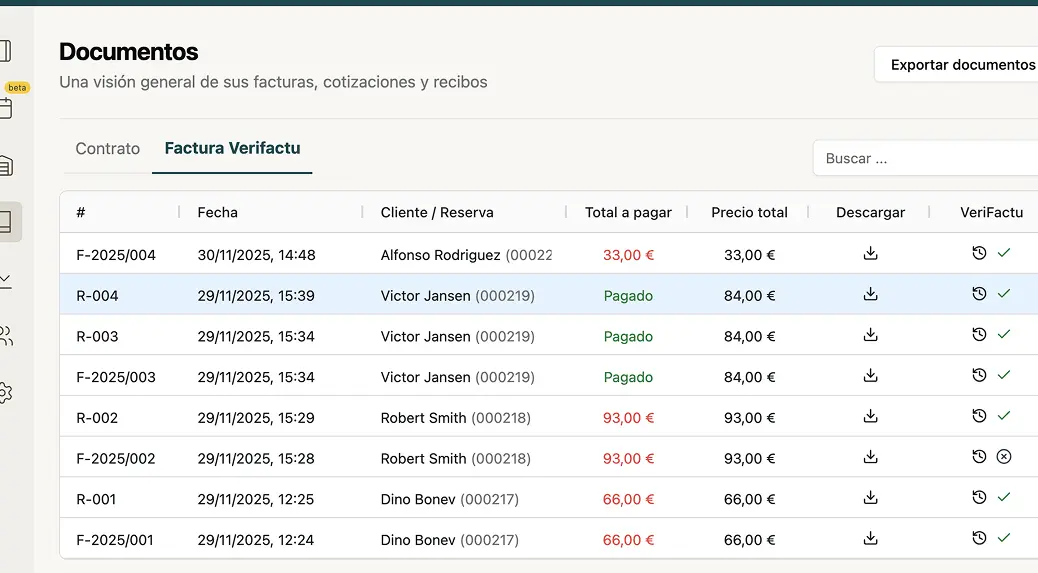
Pulso connects the booking information with the invoice and can send it to your customer.
This section summarizes what the software does and is not legal advice. Check with your advisor which obligations apply to your business.
Grow without changing systems
As your business grows, the higher plans let you add users, agents and rental locations, keeping bookings and daily operations centralized. Opening a second rental point doesn't force you to look for another motorbike rental program.
Check revenue and performance by product, filter by period and export the information to Excel whenever you need it. It helps you see which models work hardest each season.
See plans and pricing →Frequently asked questions
What is motorbike rental software?
It's the system a motorbike and scooter rental business uses to receive and manage its bookings. In Pulso it brings together the rental website with a booking engine, online payments, the bookings and availability dashboard, customer pre-registration, contracts with digital signature and invoicing.
Can I build a motorbike and scooter rental website with Pulso?
Yes. You can start with a Pulso template and adapt it to your brand without coding, or ask for a custom website if you need something more personalized. In both cases the booking engine comes already integrated into the website.
Can I set prices by the hour, day or month?
Yes. Each motorbike or scooter can have rates by the hour, day or month, and you can add seasonal prices. You can also create packs and extras with their own price.
Can my customers book and pay online?
Yes. On your website the customer chooses a motorbike and dates, checks availability and price, and pays online through Stripe or Redsys. You decide whether to charge the full amount or only part of it when they book.
How does pre-registration before pick-up work?
With Fast Track you send the customer a link before pick-up, or use a tablet at reception, so they can fill in their details, provide the documents you need and sign. Everything is linked to the booking. Your team still checks the paperwork and hands over the motorbike.
Can I manage several motorbike rental locations?
Yes, on the higher plans. You can add rental locations, users and agents, and keep bookings and daily operations centralized in the same system.
Your website, your bookings and your operations shouldn't live apart
When the website, bookings and documents are kept separate, your team ends up repeating the same work for every rental. Pulso connects what the customer sees when booking with everything that happens afterwards.
- The customer browses and books motorbikes from your own website.
- Your team manages bookings and availability from a single dashboard.
- Details, contracts and invoices stay connected to each rental.