
Digital contracts for your rental business
Generate contracts from each booking's details, collect the information you need and sign documents from a tablet or phone. Everything stays organized together with the rental.
- Configurable automatic email sending
- Signature via link or QR code
- Documents saved in each booking
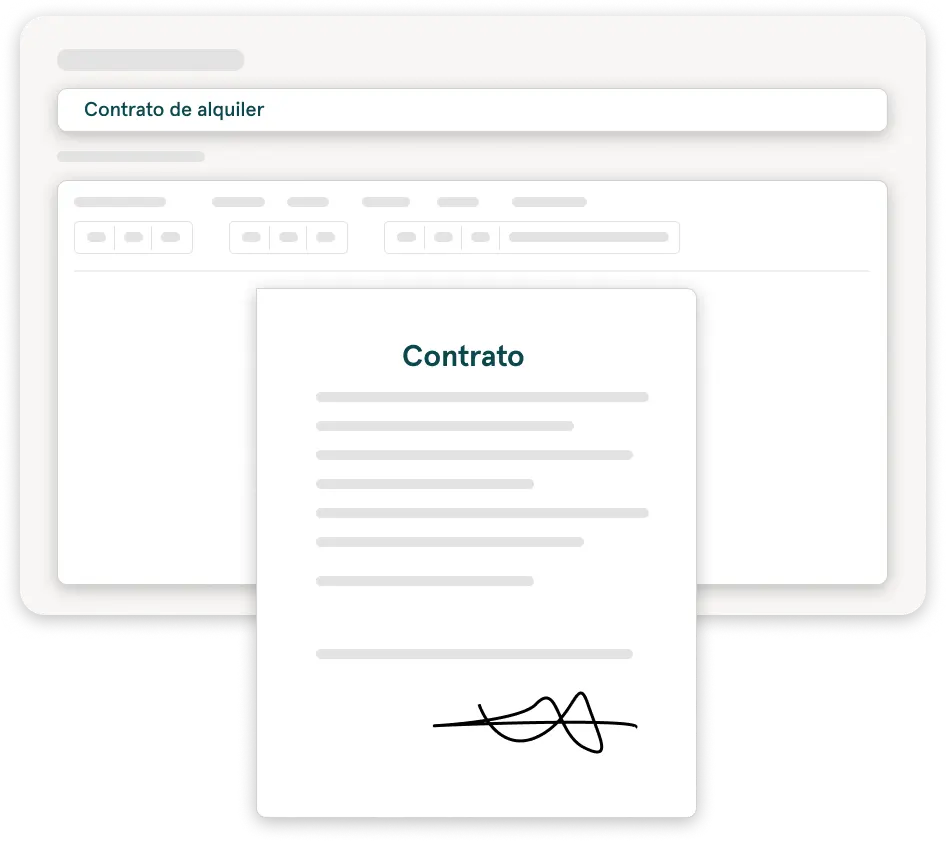
From booking to contract, without copying the data again
As a booking moves forward, your team shouldn't have to rebuild the customer and rental information in another document. Pulso brings the booking, the customer details and the contract together in the same workflow.
- 1Booking→
- 2Customer details→
- 3Contract→
- 4Email, link or QR→
- 5Signature→
- 6Document saved
Generate contracts from each booking
The digital rental contract doesn't start from a blank page. It starts from the booking: who is renting, what they are renting and for which dates. Your team doesn't have to type that information again.
Documents are set up to match how your business works. Pulso doesn't give you a universal legal contract: you decide the text and the terms, and the system fills them in with the details of each rental.
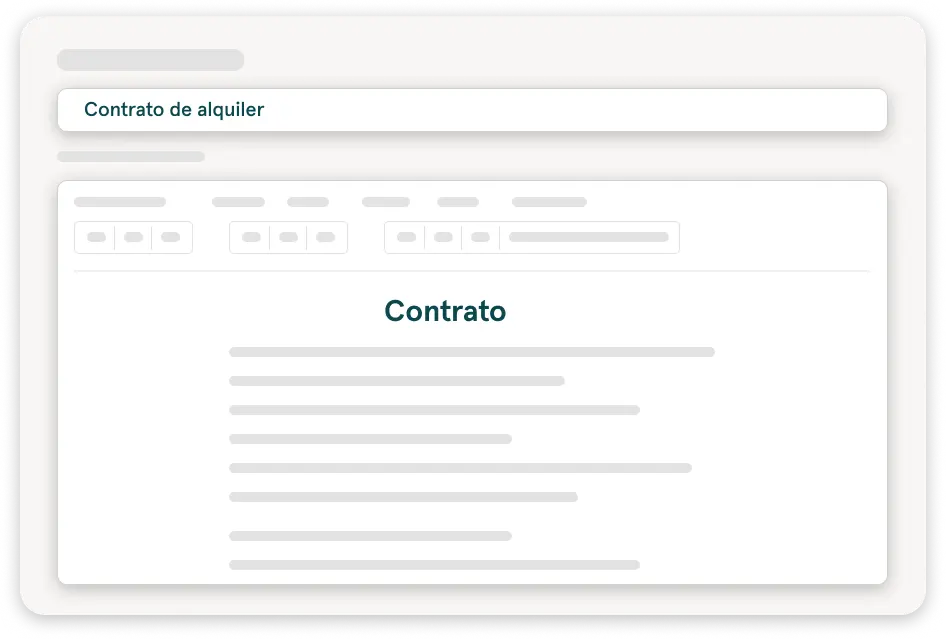
Booking details in the contract
It starts from the information already linked to the rental.
Set up for the way you work
Adjust the documents and details your business needs.
Organized documents
Keep contracts linked to the corresponding booking.
Send the contract and request the signature before the handover
Set up the contract to be emailed from the booking, or share it manually with a link or QR code. The customer can open the document and sign it without your team chasing versions by email or on paper.
- Send the document by email at the booking stage you configure.
- Share a link or QR code when you need to request the signature in person.
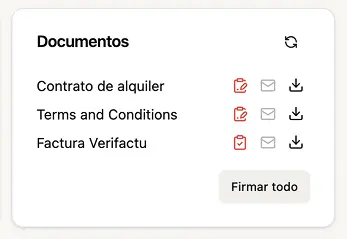
- Save the generated and signed document together with the booking.
Part of a connected rental operation
Rental contract management doesn't live on its own. In Pulso it's one more step of the same booking, between the customer details and the invoice, so your team always knows where each rental stands.
See booking management →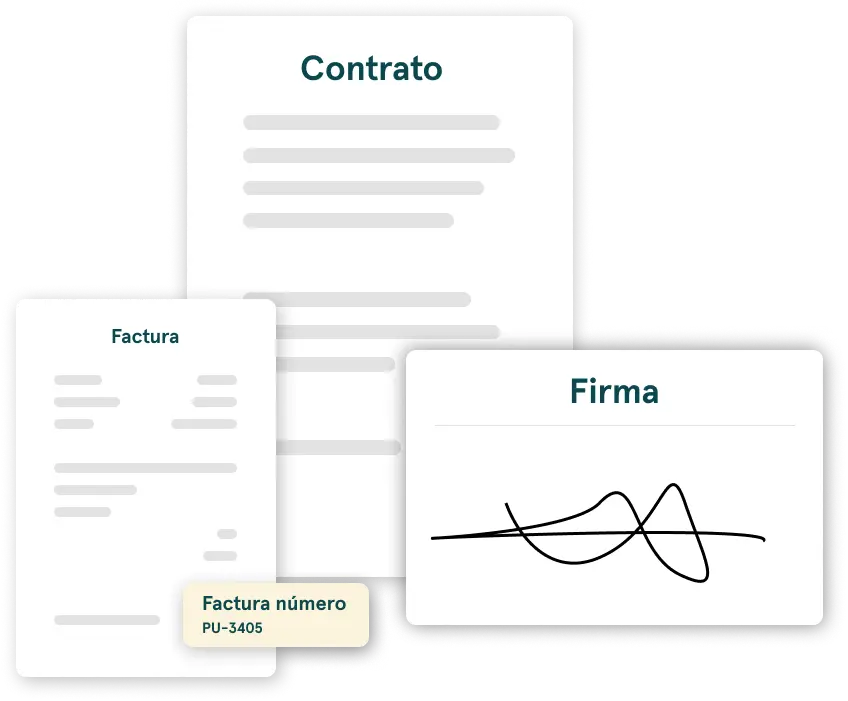
- 1
Booking and calendar
The booking enters the dashboard with its dates and what is being rented.
- 2
Details and documents
The customer's details and documents are gathered in that same booking.
- 3
Contract and signature
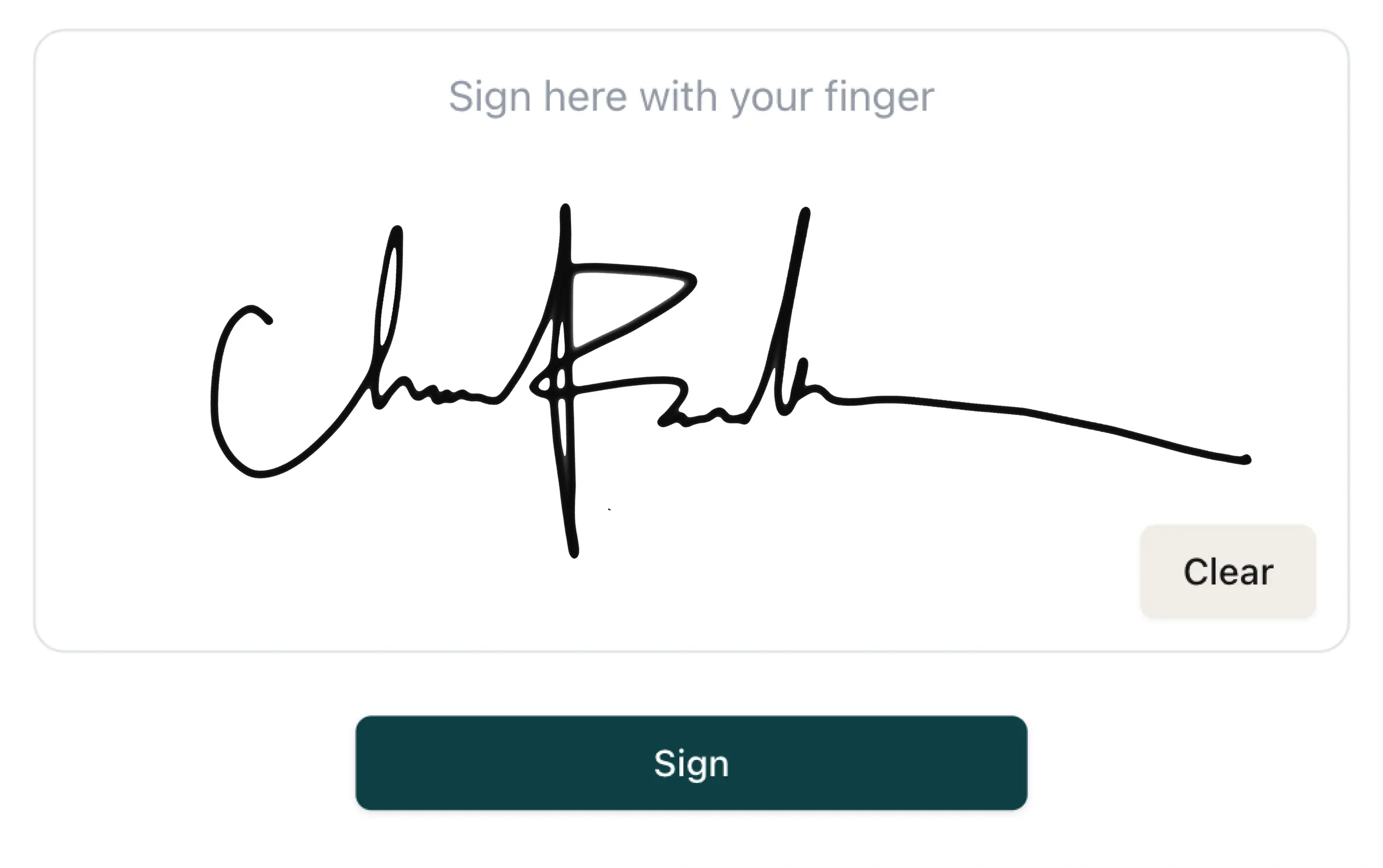
The contract is generated with that information and signed on a tablet or phone.
- 4
Rental invoice
Also generate invoices from the booking details.
See rental invoicing →
Who it's for
For businesses that sign contracts every day and need to find them later: contracts for vehicle rental, in all its forms.

Car rental
A car rental business that needs to prepare contracts linked to each booking, without copying data from one place to another.
Car rental software →Motorbikes and scooters
A motorbike or scooter rental business that collects the details before the handover so the counter runs faster.
Motorbike and scooter rental software →Campervans and motorhomes
Keep contracts, terms and documentation linked to rentals with longer dates.
Vehicle rental software →Frequently asked questions
Can I generate contracts from a booking?
Yes. The contract is generated from the booking details: the customer, the dates and what is being rented. You can set up the documents to match the way your business works.
Can a contract be signed from a tablet or phone?
Yes. The customer can sign on a tablet at your premises or on their own phone. The signed document is saved together with the booking.
Can I collect the customer's details before pick-up?
Yes, with Fast Track, Pulso's digital pre-registration. You send a link before pick-up, or use a tablet at reception, so the customer can fill in their details and provide the necessary documents. Your team still handles the handover.
Can I send a contract automatically by email?
Yes. You can set the contract to be emailed to the customer depending on the booking stage. You decide when it goes out.
Can I share a contract via a link or QR code?
Yes. Besides email, you can share the contract manually with a link or show a QR code, for example when the customer is in front of you and you want to ask for their signature right then.
Can I configure which documents require a signature?
Yes. You decide which of your business's documents need the customer's signature and which don't.
Where are the generated and signed contracts stored?
In the cloud, inside Pulso and linked to their booking. To find a contract, just open the corresponding booking.
Can I use Pulso for car, motorbike or van rental?
Yes. Pulso is used by different vehicle rental businesses, including cars, motorbikes, scooters and vans, and contracts are set up for each way of working.
Can I also generate rental invoices?
Yes. Pulso also generates invoices from the booking details.
To collect the customer's details before the handover: online pre-registration and check-in →
More about invoices: rental invoicing →
Keep exploring Pulso
Speed up handovers with pre-registration
Collect the details you need before the customer arrives at your location.
See pageInvoice with ease
Create invoices from the booking and send them to your customers.
See pageManage bookings and availability
Organize every booking from a calendar connected to your inventory.
See page