
Cut waiting times at handover with online pre-registration
Send the customer a link before they arrive to collect the details you need. Check the information inside the booking and prepare contracts or invoices without asking for it again at the counter.
No commitment. Online video call, or we give you a phone call.
- A link to fill in details before arriving
- Details connected to the booking, contract and invoice
- Use it remotely or from a tablet at reception
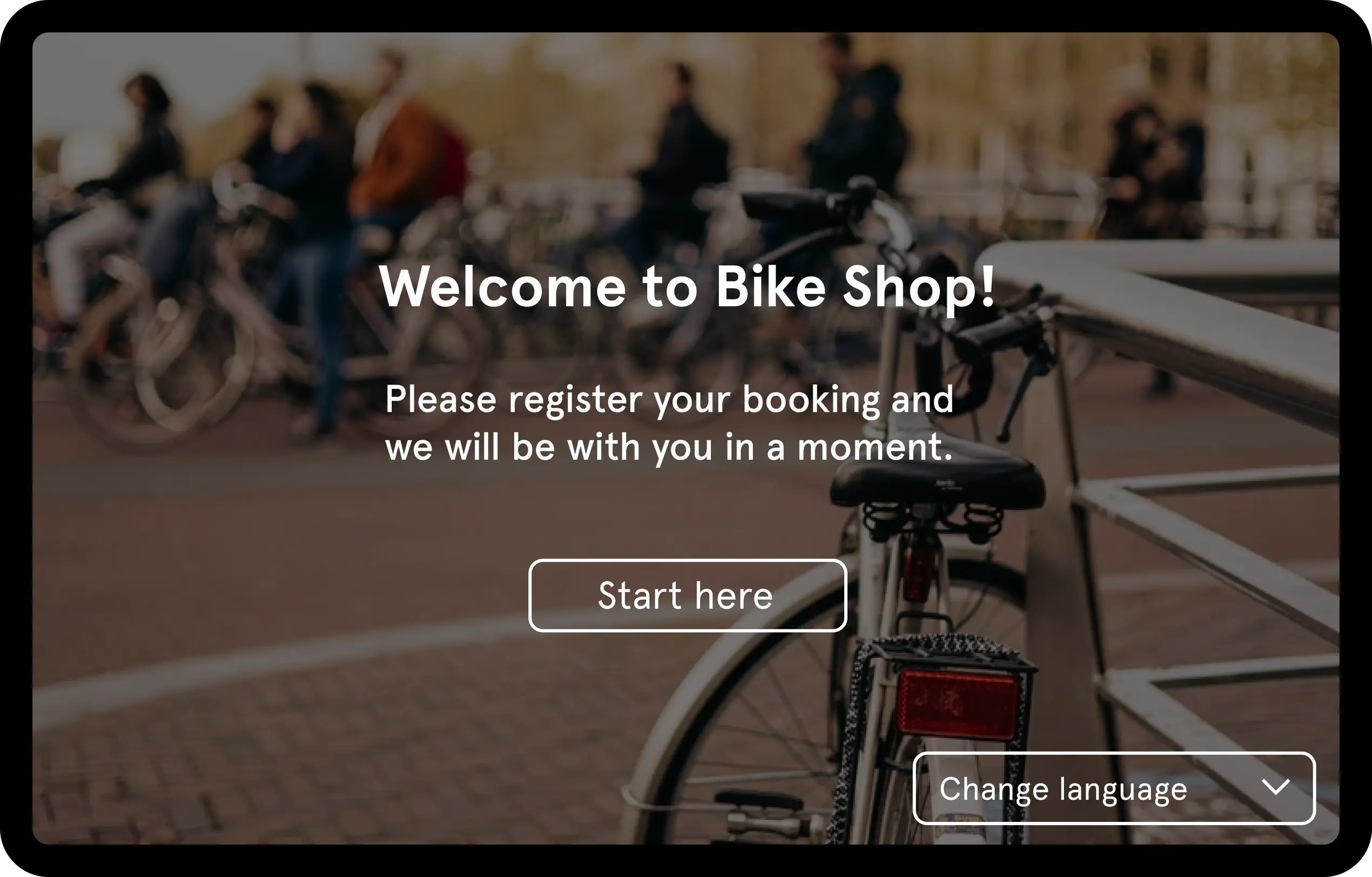
The handover shouldn't start by asking for the same details again
When the customer arrives to pick up a car, a motorbike or a motorhome, your team needs to attend to them, review the booking and prepare the paperwork. Pulso lets you request the necessary information before they arrive so the process starts with the details already available.
The final review and the vehicle handover are still up to your team. What changes is the starting point: instead of a blank form, a booking with the customer's information already inside.
Send a link, receive the details inside the booking
Pulso's Fast Track works in three steps, and none of them require the customer to install anything.
- 1
Share the Fast Track link
Send the customer a personalized link before pick-up.
- 2
The customer fills in their details
They can do it from their own device or from a tablet at reception.
- 3
Your team continues from the booking
The information received is available inside Pulso to continue with the rental paperwork.
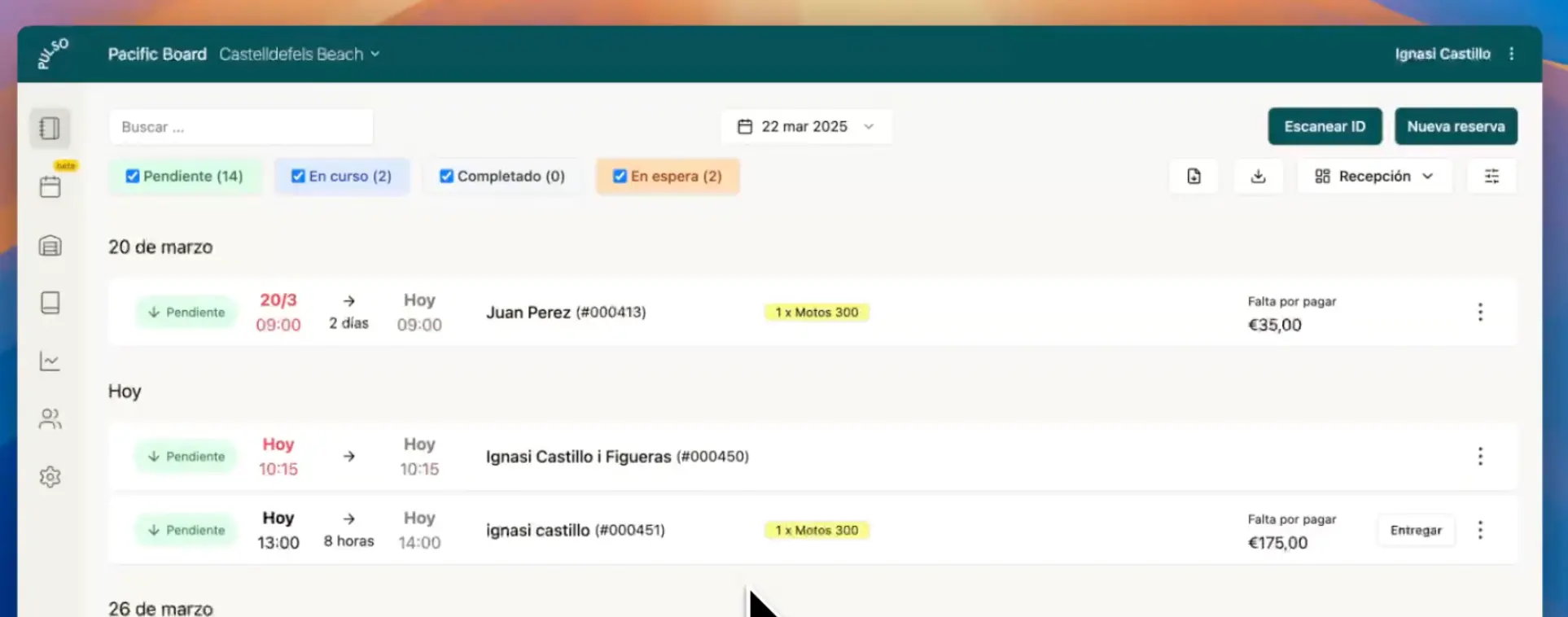
A reception desk with operations in view
Check upcoming bookings and their status from the reception view. See which rentals are pending, in progress, completed or on hold to better organize your day.
Details ready for the next step
Contracts from the booking
The collected details can be used to prepare the rental paperwork.
Connected invoicing
Continue with the invoice from the same operation, without rebuilding the customer's information.
An experience that adapts to the customer
The customer can complete the process from their device and choose from the languages available in Fast Track.
For rental operations where every minute at reception counts
Car and van rental
Get to the handover with the customer's details already available in the booking.
Motorbikes and scooters
Speed up the start of short rentals without asking for the same information again at the counter.
Campervans and motorhomes
Prepare the rental paperwork before a handover that usually needs more coordination.
Pre-registration connected to the rest of your operations
Fast Track isn't an isolated form. It's part of the booking and helps your team carry on with contracts, payments and invoicing from the same platform.
- 1Booking
- 2Fast Track pre-registration
- 3Contract
- 4Payment
- 5Invoice
Pre-registration starts from vehicle booking management, and its details are used for digital rental contracts and for rental invoicing. It's all part of Pulso's vehicle rental software.
Frequently asked questions
What is Pulso's Fast Track pre-registration?
It's the way to ask the customer for their details before the vehicle handover. You send them a link, they fill in the information and it's stored inside their booking in Pulso.
Can I send a pre-registration link to my customers?
Yes. You can send each customer a personalized Fast Track link before pick-up.
Can the customer fill in their details before arriving?
Yes. With the link, the customer fills in the information from their own device before arriving.
Can the customer complete the process from a tablet at reception?
Yes. If the customer hasn't done it beforehand, they can complete the same process on a tablet at your reception.
Where are the details sent by the customer stored?
Inside the booking, in Pulso. Your team checks them from the booking itself.
Can I use those details to generate contracts or invoices?
Yes. The details received can be used to generate the rental contracts or invoices, without entering them again.
Can I see the status of bookings from reception?
Yes. The reception view shows upcoming bookings and their status: pending, in progress, completed or on hold.
Does it work for car, motorbike, van and motorhome rental?
Yes. Pre-registration works the same way for businesses that rent cars, motorbikes, scooters, vans, campervans and motorhomes.