















 Anita Valentinova
Managing a rental operation on spreadsheets is not a failure of ambition. It is usually the logical starting point for a business that grew faster than its systems. A single sheet to track which bikes are out, a second to log customer details, a third to record payments — it works, until your business collapses in the peak season. This guide is for the operators who have started to feel the friction: the double-bookings that should not happen, the inventory counts that do not reconcile, the hours spent at the end of the month building reports by hand. If any of that sounds familiar, you are in the right place.
1. Why Rental Businesses Outgrow Spreadsheets Faster Than They Expect
Spreadsheets were designed for data analysis, not for managing live operational workflows. The distinction matters more in rental businesses than almost anywhere else, because rental operations are defined by continuous, real-time state changes. A motorbike that is available at 9am may be booked at 9:03am. An item returned damaged changes its availability status immediately. A customer who calls to extend a booking changes the return time, which changes availability for the next customer, which changes your staffing requirements for the afternoon.
Spreadsheets have no mechanism for tracking these changes in real time across multiple users. When two members of your team open the same availability spreadsheet simultaneously, neither of them sees what the other is doing. When a booking is made through your website, that data does not appear in your spreadsheet until someone manually enters it. When a piece of equipment goes in for maintenance, it stays visible as available until someone remembers to update the cell. This is not a user error problem. It is a structural limitation of the tool.
The growth threshold at which spreadsheets break is lower than most operators expect. A fleet of 15 to 20 units, two or more staff members handling bookings, and a mix of walk-in and online reservations is typically enough to push a spreadsheet-based system into daily failure mode. The errors become routine. The workarounds multiply. The time spent on administration starts to visibly eat into the time available for running the actual business.
2. The 7 Structural Failures of Spreadsheets in Rental Operations
Each of these failures is architectural — meaning they cannot be fixed by building a better spreadsheet. They are the result of using a tool for a purpose it was not designed for.
No real-time availability. A spreadsheet shows you the state of your inventory at the moment it was last updated, not right now. In a rental operation where availability changes by the hour, this lag is the root cause of double-bookings, over-commitments, and the constant need to call customers to apologise for errors that should never have occurred. Preventing double-bookings starts with having a system that reflects reality in real time which spreadsheets cannot do.
No multi-user coordination. The moment more than one person is responsible for bookings, a single shared spreadsheet becomes a liability. Simultaneous edits create version conflicts. There is no audit trail showing who changed what or when. There is no mechanism for one team member to see that another is in the middle of confirming a booking for the same unit.
No connection to online bookings. If you accept online bookings, someone must manually transfer each reservation into your spreadsheet. That manual step is where data entry errors concentrate. It is also the reason your online availability calendar and your actual availability are almost never perfectly synchronised.
No contract automation. Every rental contract that gets issued from a spreadsheet-based system requires someone to open a template, fill in the customer details, insert the equipment and dates, and save or print the document. For a business processing dozens of rentals per day, this process consumes significant staff time and introduces transcription errors at every step. Digitising your rental contracts eliminates this entirely.
No maintenance tracking. Equipment that is due for service does not flag itself in a spreadsheet. Without a dedicated maintenance schedule integrated into your availability calendar, items get rented out when they should be in for service, or they sit idle because no one has confirmed they are ready to go back into rotation.
No automated billing. Invoices generated from spreadsheet data require manual calculation of rental duration, applicable rates, deposits, and any additional charges. Each of these calculations is a potential error. Each error is a potential billing dispute. Each dispute damages the customer relationship and consumes staff time to resolve.
No meaningful reporting. Building a utilisation report, revenue summary, or booking trend analysis from a spreadsheet means either manual data aggregation or building complex formulas that break whenever someone changes the structure of the sheet. In practice, most spreadsheet-based rental businesses operate without regular reporting because producing it is too laborious to do consistently.
3. What Rental Management Software Actually Does
Purpose-built rental management software is not simply a digital spreadsheet. It is an operational system designed around the specific workflows of a rental business — booking intake, availability management, contract generation, payment processing, maintenance scheduling, and reporting — unified in a single platform where every action updates every dependent piece of information automatically.
The core function is a live availability engine. When a booking is confirmed — whether by a staff member at the counter, through your online booking system, or via a booking widget on your website — the relevant inventory units are immediately marked as unavailable for that period. No manual update required. No lag between the booking and the change in availability. No possibility of a second booking being accepted for the same unit at the same time.
Everything else in the platform is built around that live availability layer. Contracts are generated automatically from booking data. Invoices are calculated from confirmed rental periods and rates. Maintenance windows are blocked in the availability calendar so equipment cannot be booked during service periods. Reports are generated from live data, not from manually assembled summaries. Understanding how rental management software works is the first step toward seeing how much operational overhead it removes.
4. Feature-by-Feature Comparison: Spreadsheets vs. Rental Software {#4}
The difference between spreadsheets and purpose-built software is most clearly visible at the feature level. Here is a direct comparison across the functions that matter most to a rental operation:
| Function | Spreadsheets | Rental Management Software |
|---|---|---|
| Real-time availability | Manual update required | Automatic, instant |
| Double-booking prevention | No protection | Structurally impossible |
| Online booking integration | Manual data transfer | Native sync |
| Contract generation | Manual template fill | Automatic from booking data |
| Digital signatures | Not supported | Built-in |
| Automated invoicing | Manual calculation | Automatic from rental data |
| Inventory tracking | Static, error-prone | Live, unit-level |
| Maintenance scheduling | Separate tracking required | Integrated with availability |
| Multi-user access | Conflict-prone | Role-based, conflict-free |
| Customer database | Fragmented across files | Centralised, searchable |
| Reporting and analytics | Manual aggregation | Real-time dashboards |
| Mobile access | Limited | Full-featured |
The pattern across every function is the same. Spreadsheets require a human to bridge the gap between data entry and operational reality. Rental management software closes that gap by design. Every hour your team spends bridging those gaps manually is an hour not spent on customer service, fleet maintenance, or business development.
5. The Real Cost of Staying on Spreadsheets
The cost of spreadsheet-based management is rarely visible as a single line item. It accumulates across multiple categories that individually seem manageable but collectively represent a significant drag on the business.
The cost of double-bookings. A double-booking does not just mean one lost rental. It means a customer who arrives to find their booking does not exist, a refund that must be processed, a review that will almost certainly be negative, and a staff interaction that is stressful for everyone involved. For businesses where customers are tourists making real-time decisions, preventing double bookings is directly tied to both revenue protection and online reputation.
The cost of administration time. Estimate conservatively how many hours per week your team spends on tasks that software would automate: manually entering online bookings, filling in contract templates, calculating invoices, chasing unsigned documents, reconciling inventory counts, and building reports. For most rental businesses processing 20 or more rentals per day, this figure is between 10 and 20 hours per week. At any reasonable hourly rate, that is a material operating cost that disappears when the right software is in place.
The cost of inventory errors. Equipment rented out when it should be in maintenance. Items recorded as available that were damaged on the last return. Inventory counts that do not reconcile with physical reality. Each of these errors has a downstream cost — in repair bills, in customer complaints, in the accelerated depreciation of assets that do not receive timely maintenance. Managing your inventory properly is not just an administrative concern. It directly protects the asset base that generates your revenue.
The cost of lost online bookings. If your online availability calendar is not synchronised with your actual availability — which it cannot be if your availability lives in a spreadsheet — you are either turning away bookings that could have been accepted, or accepting bookings that create conflicts you then have to manage manually. Either outcome costs you revenue. Getting more bookings requires a system where your online presence accurately reflects what you actually have available.
The cost of scaling friction. Every unit you add to your fleet, every additional staff member you hire, and every new booking channel you open increases the complexity of managing operations on spreadsheets disproportionately. Software scales linearly. Spreadsheets do not.
6. When Is the Right Time to Switch?
The most common answer rental operators give when asked why they have not yet moved to dedicated software is "not yet" — usually accompanied by a plan to do so after the next busy season, after hiring a new staff member, or after reaching some threshold of scale. The threshold almost never arrives cleanly, and the delay means continuing to absorb the costs outlined in the previous section for longer than necessary.
The right time to switch is before the problems become critical, not after. Here are the specific indicators that a rental business has already outgrown spreadsheet management:
- You have experienced at least one double-booking in the past three months. A single double-booking is not a staff error — it is a system failure. It will happen again.
- You have more than one person handling bookings. Multi-user coordination on spreadsheets is not a process problem. It is structurally unsolvable without dedicated software.
- You accept bookings through more than one channel — walk-in, phone, website, or third-party platforms — and the reconciliation between channels is manual.
- You are spending more than five hours per week on administrative tasks that a system should be automating: contracts, invoices, inventory counts, or reports.
- Your fleet has more than 15 units and you cannot tell at a glance, right now, which units are available, which are booked, and which are in maintenance.
- You have had to turn away a booking because you were not certain whether the relevant unit was available.
If three or more of these apply, the cost of switching is almost certainly lower than the cost of not switching. Implementing rental software takes less time than most operators expect, and the operational relief is immediate.
7. What to Look for When Evaluating Rental Management Software
Not all rental management software is built for the same type of operation. Some platforms are designed primarily for large fleet operators. Others are optimised for a single equipment category. Evaluating software correctly means matching the platform's strengths to the specific operational profile of your business.
Here are the criteria that matter most for small to mid-size rental operations:
Real-time inventory management at the unit level. The platform must track individual units — not just categories — so you can see the exact status of each item in your fleet at any moment. Generic category-level tracking still allows double-booking within categories.
Integrated contract management with digital signatures. Contracts should be generated automatically from booking data and signable on any device. Manually filling in contract templates is one of the highesthe highest-friction points in a rental workflow and should be fully automated.
Native online booking capability. The platform should include a booking engine that can be embedded directly in your website and that updates your availability calendar in real time. A platform that requires a third-party booking tool adds unnecessary complexity and a second point of failure.
Automated invoicing and payment tracking. Invoices should be generated automatically from confirmed rental data, with the correct rates applied based on duration and any applicable extras. Payment status should be tracked within the same system.
Maintenance scheduling integrated with availability. Maintenance windows should be blockable in the same calendar that controls bookings, so equipment in service is automatically unavailable for rental during that period.
Reporting that requires no manual preparation. Utilisation rates, revenue by period, booking source breakdown, and fleet performance should be accessible as live dashboards, not as reports you have to build by hand.
Implementation speed and onboarding support. For a small to mid-size rental operation, implementation should take days, not months. Ask specifically about how long it takes to get from sign-up to fully operational, and what support is available during that process.
8. How Pulso Replaces Your Spreadsheet Stack

Pulso is built specifically for rental businesses — motorbikes, bicycles, e-bikes, kayaks, surf equipment, event gear, construction machinery, and every other category of asset that is rented, returned, and rented again. Every feature in the platform is designed around the operational realities of running a rental business, not adapted from a generic inventory or booking tool.
Here is what Pulso replaces directly:
Your availability spreadsheet is replaced by Pulso's live inventory engine, which tracks every unit in your fleet in real time. Bookings confirmed through any channel — counter, phone, or online — update availability instantly. Double-bookings become structurally impossible.
Your booking log is replaced by Pulso's centralised booking management, which captures every reservation in a single system regardless of channel. Walk-in, phone, website, and partner bookings all appear in the same dashboard, with full status tracking from reservation through return.
Your contract templates are replaced by Pulso's automated contract generation. When a booking is confirmed, the contract is generated automatically with the correct customer details, equipment, dates, rates, and terms. Customers sign digitally on any device. No manual document preparation. No paper.
Your invoice spreadsheet is replaced by automated billing calculated directly from verified rental data. Duration, applicable rates, deposits, and extras are all calculated by the system. Billing disputes that stem from manual calculation errors become a thing of the past.
Your maintenance tracking is replaced by integrated maintenance scheduling that blocks equipment from the availability calendar during service periods. Your fleet stays in better condition because nothing slips through because someone forgot to update a cell.
Your end-of-month reporting exercise is replaced by live dashboards showing utilisation rates, revenue, booking volume, and fleet performance in real time. Reports that previously took hours to assemble are available in seconds.
Pulso is also built to be operational quickly. For most rental businesses, getting Pulso set up and running takes days, not weeks. You do not need a technical background, a dedicated IT resource, or a lengthy implementation project. You need your fleet data, your pricing, and a few hours.
9. How to Migrate from Spreadsheets to Pulso Without Disrupting Operations
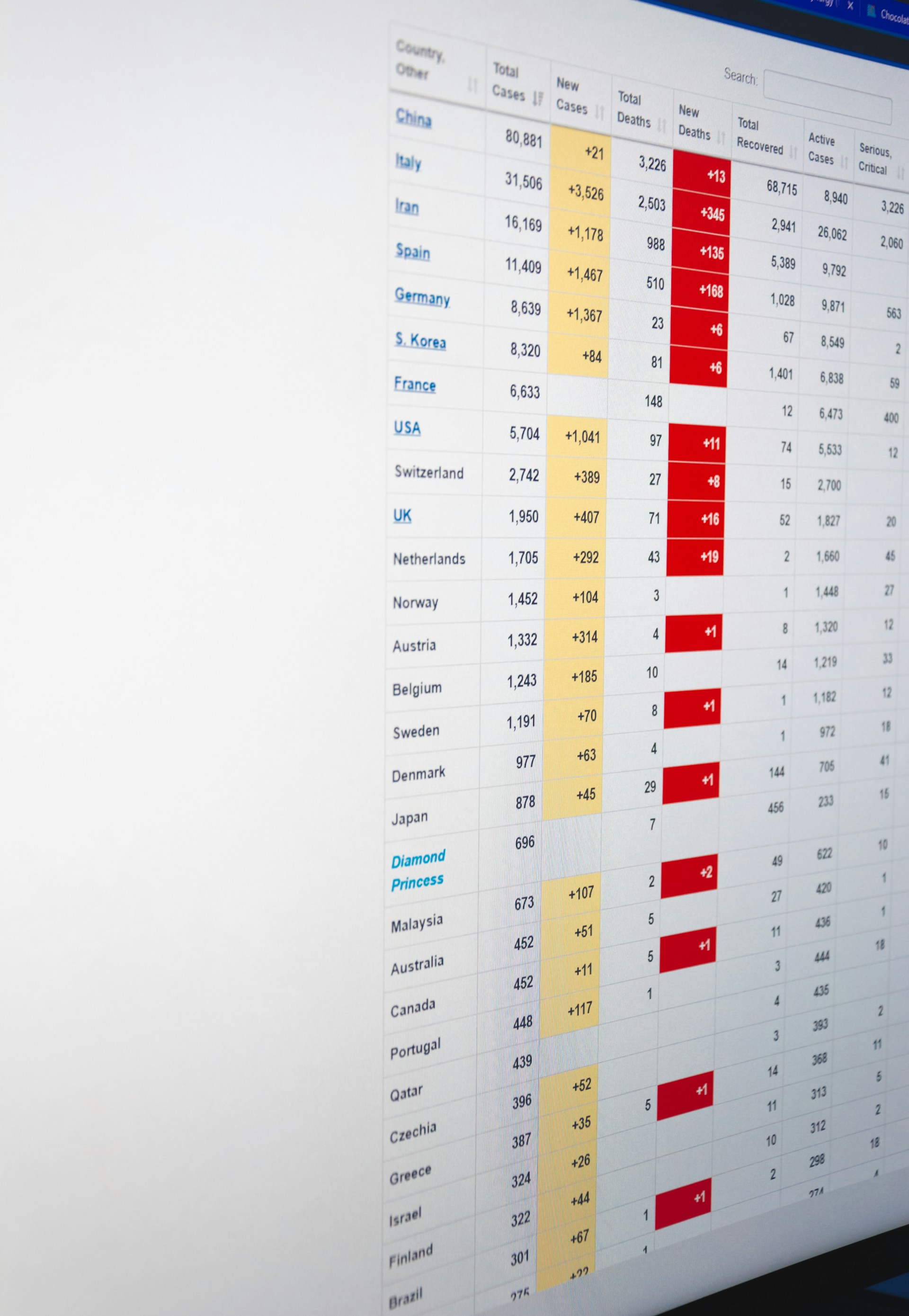
The most common concern rental operators express about switching software is disruption during the transition. The concern is understandable — rental businesses cannot pause operations while a new system is being set up. In practice, migration from spreadsheets to Pulso is structured to minimise operational overlap and avoid the scenarios operators worry about most.
Here is a practical migration sequence:
Export and clean your existing data first. Before anything else, export your current fleet inventory, customer database, and any active bookings from your spreadsheets into a clean, structured format. This is the data that will be imported into Pulso. Cleaning it now — removing duplicates, standardising formats, confirming that unit records are accurate — means the import is clean and your Pulso system starts with accurate data.
Set up your fleet inventory in Pulso before going live. Enter every unit in your fleet with its relevant details — make, model, category, condition, and any unit-specific notes. This is the foundation of your availability engine. Take the time to do it completely rather than partially, because incomplete inventory data is the most common cause of teething problems after launch.
Configure your pricing and booking rules. Enter your rate structures, deposit requirements, minimum rental periods, and any seasonal pricing variations. Pulso applies these automatically to every booking, so getting the configuration right upfront means your invoicing is accurate from day one.
Run parallel systems for a short overlap period. For the first week after launching Pulso, continue maintaining your spreadsheets as a backup reference. This is not because you will need them — it is because the psychological safety of having the backup reduces the pressure on your team during the transition and gives you a reference point if any questions arise about data accuracy.
Activate your online booking integration last. Once your team is comfortable using Pulso for counter and phone bookings, connect your online booking channel. This is the step that completes the integration of all booking channels into a single system and eliminates the last remaining manual data transfer.
The transition period for most rental businesses is one to two weeks. After that, the spreadsheets are genuinely redundant — not because you decided to stop using them, but because the system replaced every function they were serving.
10. Conclusion
Spreadsheets are not the problem. Using a spreadsheet to run a live rental operation is the problem. The tool is not designed for real-time multi-user workflows, it cannot prevent double-bookings by design, and every function it performs in a rental context requires a human to do work that software should be doing automatically.
The operational cost of staying on spreadsheets compounds over time. Double-bookings damage customer relationships. Administration time displaces revenue-generating activity. Inventory errors accelerate asset depreciation. Reporting gaps mean business decisions are made on incomplete information. None of these costs announce themselves as a single identifiable line item, which is precisely why they persist longer than they should.
Pulso is built for rental businesses that have reached the point where the system needs to match the ambition of the operation. It replaces every function that spreadsheets perform in a rental business — availability, bookings, contracts, invoicing, maintenance, and reporting and does so in a platform designed specifically for the operational rhythms of renting, returning, and renting again. The question is not whether to make the switch. It is how much longer the current system will be allowed to be the constraint.
Ready to replace your spreadsheets with a system built for rental businesses?